See Mareana in Action
Explore product capabilities, workflows, and use cases in action.
Set the platform up.
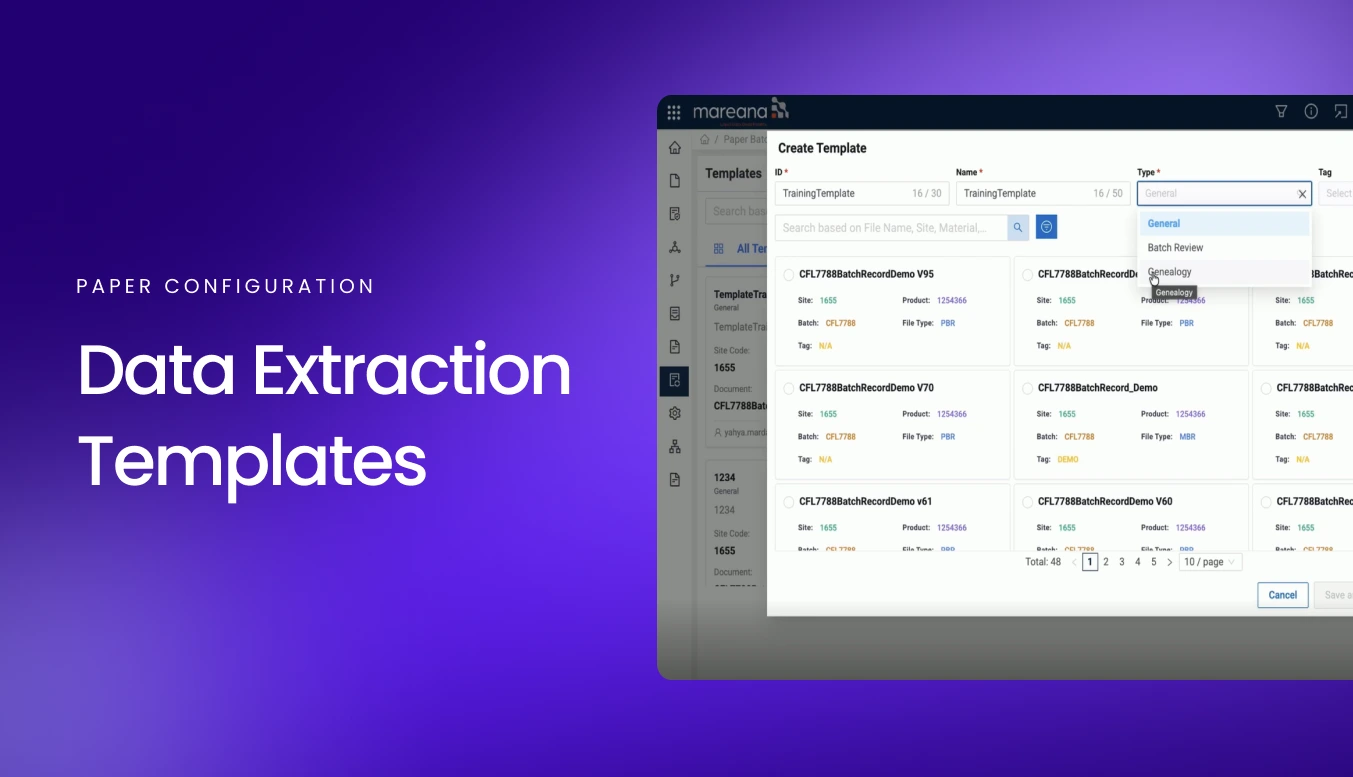
How to Configure Paper Batch Record Templates for Automated Extraction
This video demonstrates how to configure a data extraction template for paper batch records in Mareana. It walks through creating templates, defining page IDs and parameters, and using automated suggestions to prepare batch records for automated extraction.
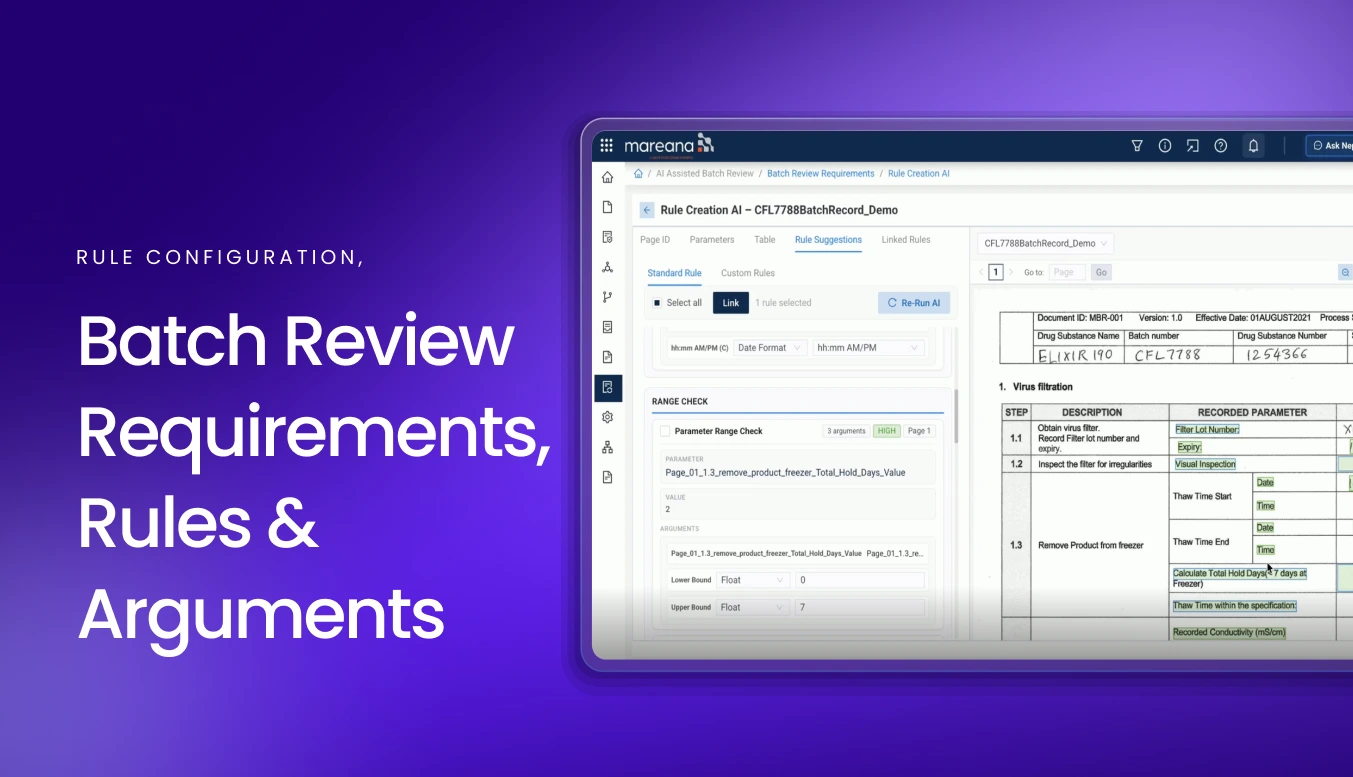
How to Create and Test Rules for Batch Review
Learn how to create and test rules for batch review, from AI-assisted rule creation and determinate rules to range checks and ALCOA requirements. See how rules can be tested in a sandbox to identify passing and failing requirements before they are published.
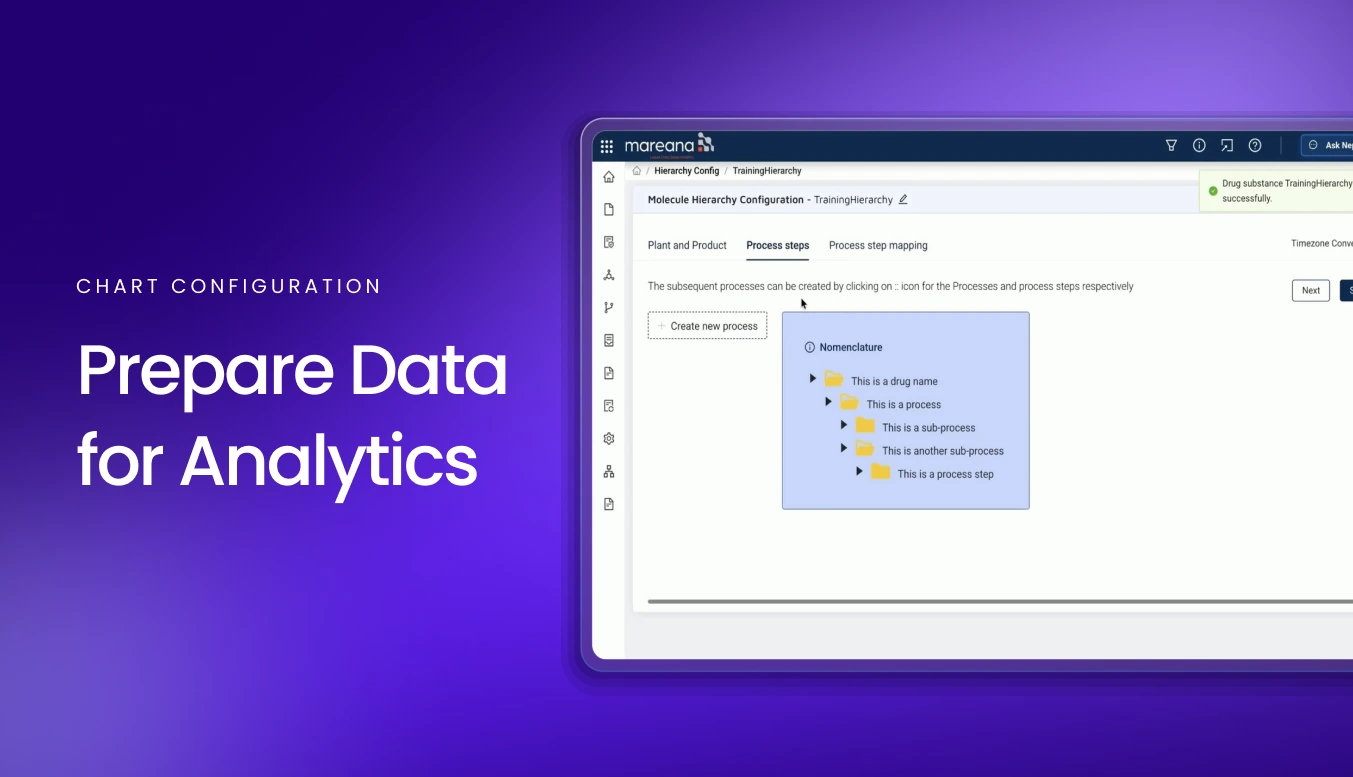
How to Configure Analytics for Manufacturing Data
Learn how to configure the analytical foundation for manufacturing data. This video covers creating product and process hierarchies, configuring specification limits, and grouping products across sites to make data easier to use for charts, views, and analytics.
Run the day-to-day.
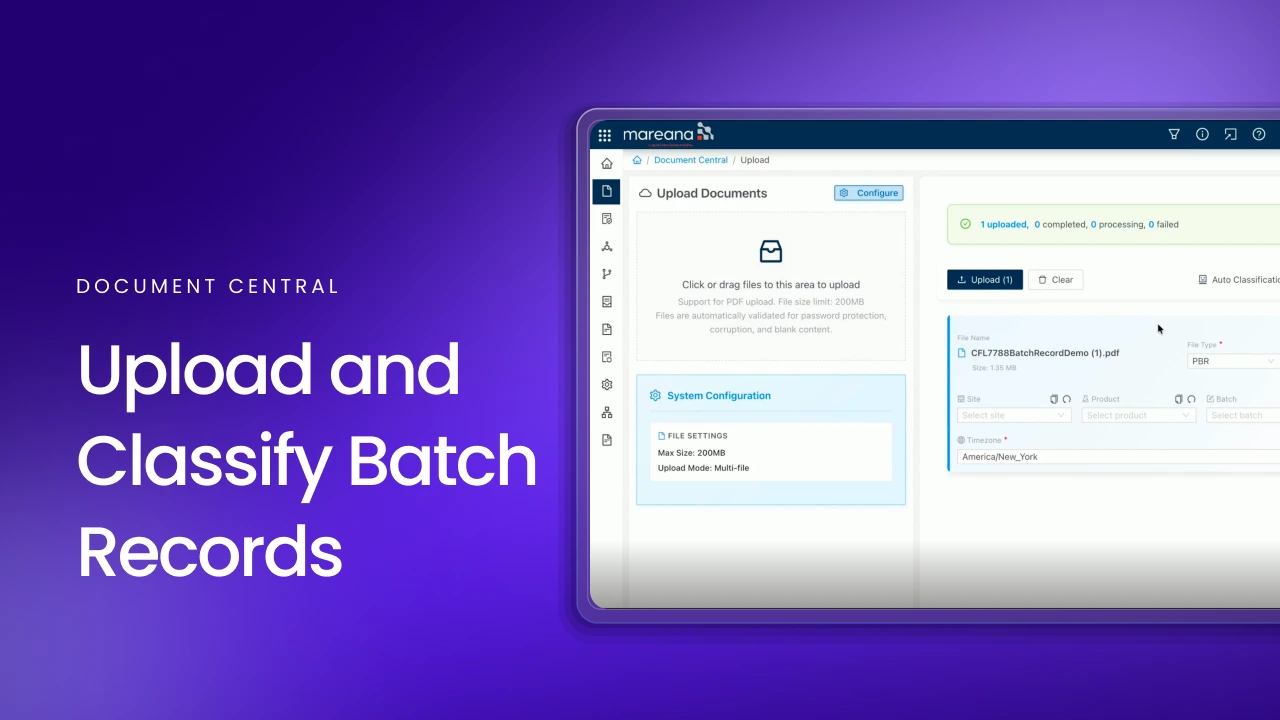
How to Upload and Classify a Paper Batch Record
This video demonstrates how a paper batch record is uploaded and classified in Document Central. It covers auto classification, file pattern classification, and manual classification, along with OCR, version history, and data extraction history.
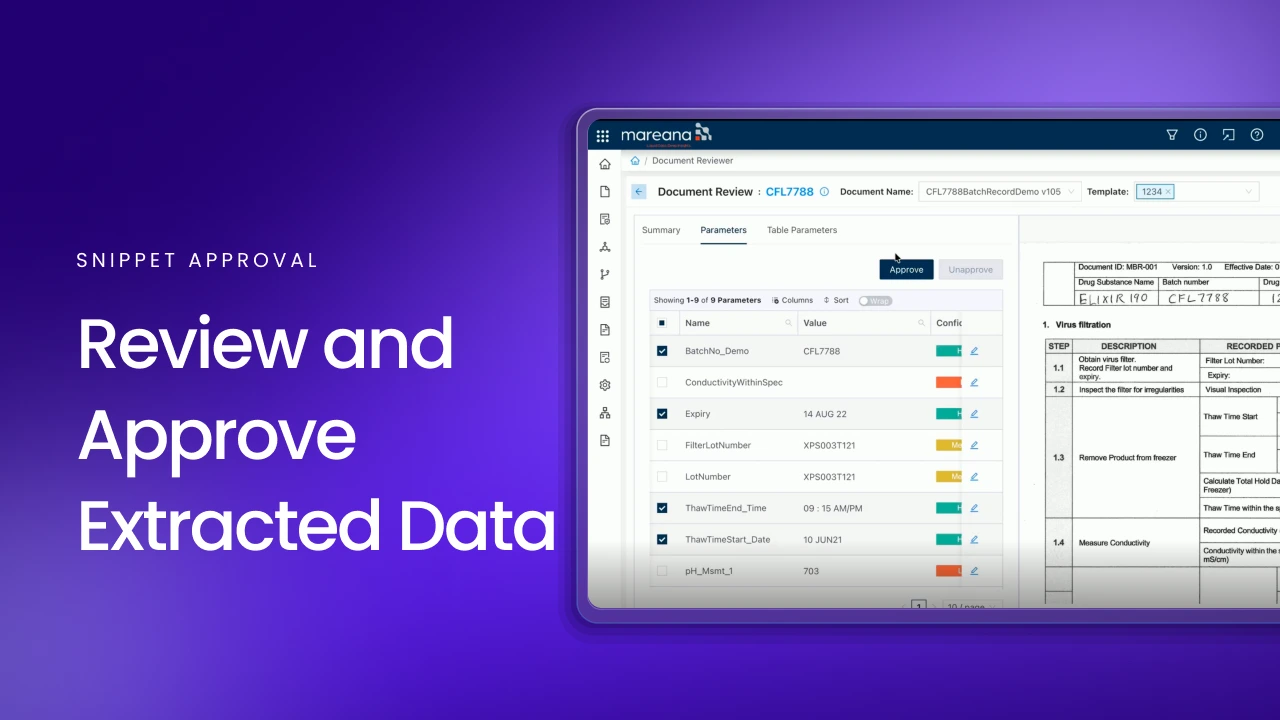
How to Review and Approve Extracted Batch Data
This walkthrough demonstrates how extracted data from paper batch records is reviewed and approved using Mareana’s batch and snippet dashboards. It covers confidence levels, approving extracted values, correcting extraction errors, and maintaining an audit trail.
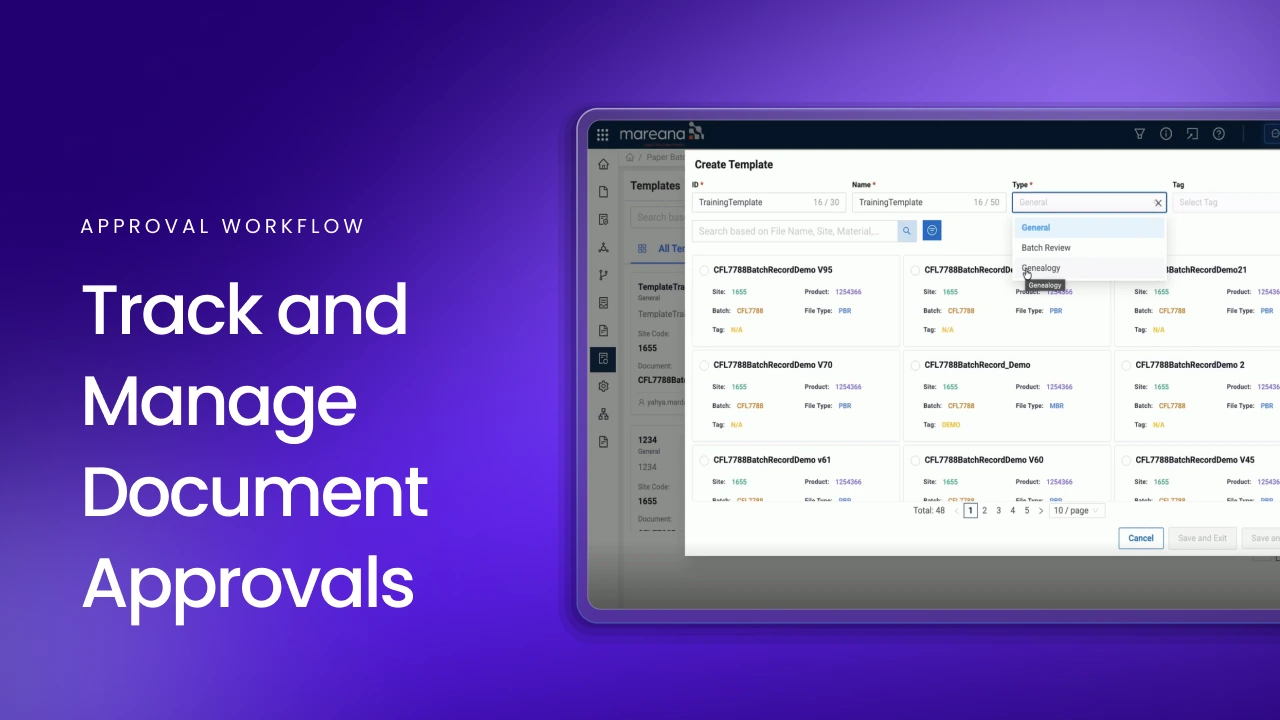
How to Manage Tracked Approvals for Batch Records and Materials
This video demonstrates how approvals are managed through a tracked workflow. It shows how documents and materials are routed to the right reviewer, how reviewers access their assigned items, and how approval status and comments are recorded.
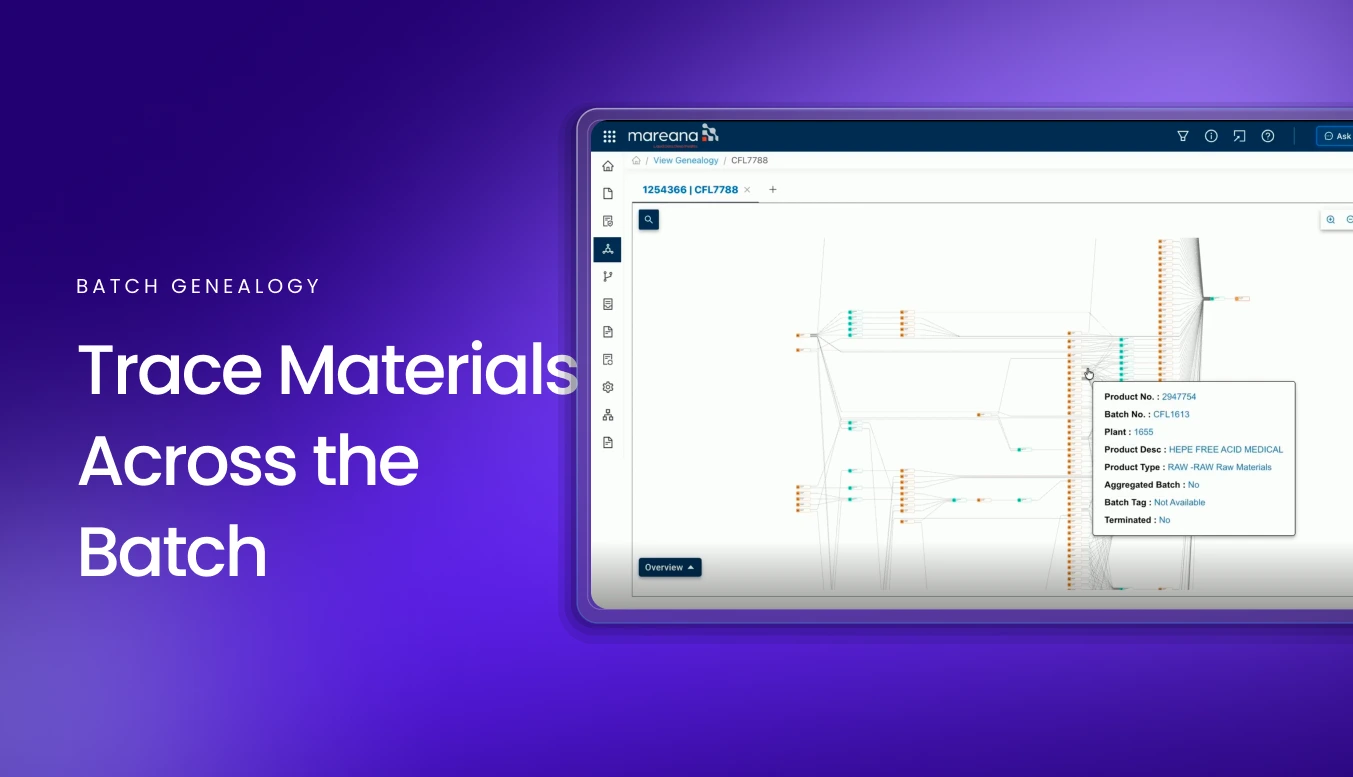
How to Trace Batch Materials with Manufacturing Genealogy
This video demonstrates how batch genealogy automatically connects materials, unit operations, batch records, and manufacturing data. It shows how to trace a batch backward to its raw materials and source records, while bringing related data from systems such as LIMS and OSI PI into one view.
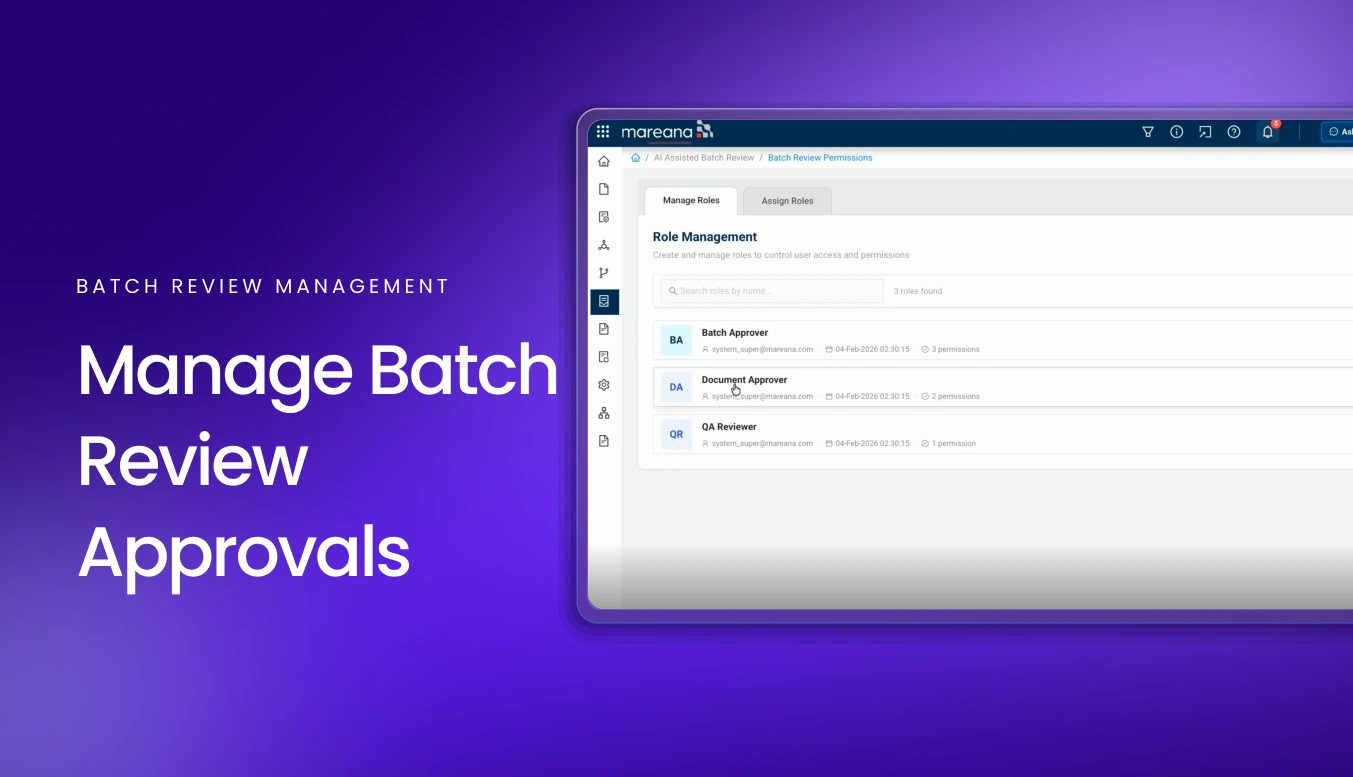
How to Manage Batch Review Roles and Approvals
This walkthrough demonstrates how batch review responsibilities and approval roles are managed in Mareana. It shows how QA reviewers, document approvers, and batch approvers can be assigned and how teams can track the review process from manufacturing through final approval.
Read what the data says.
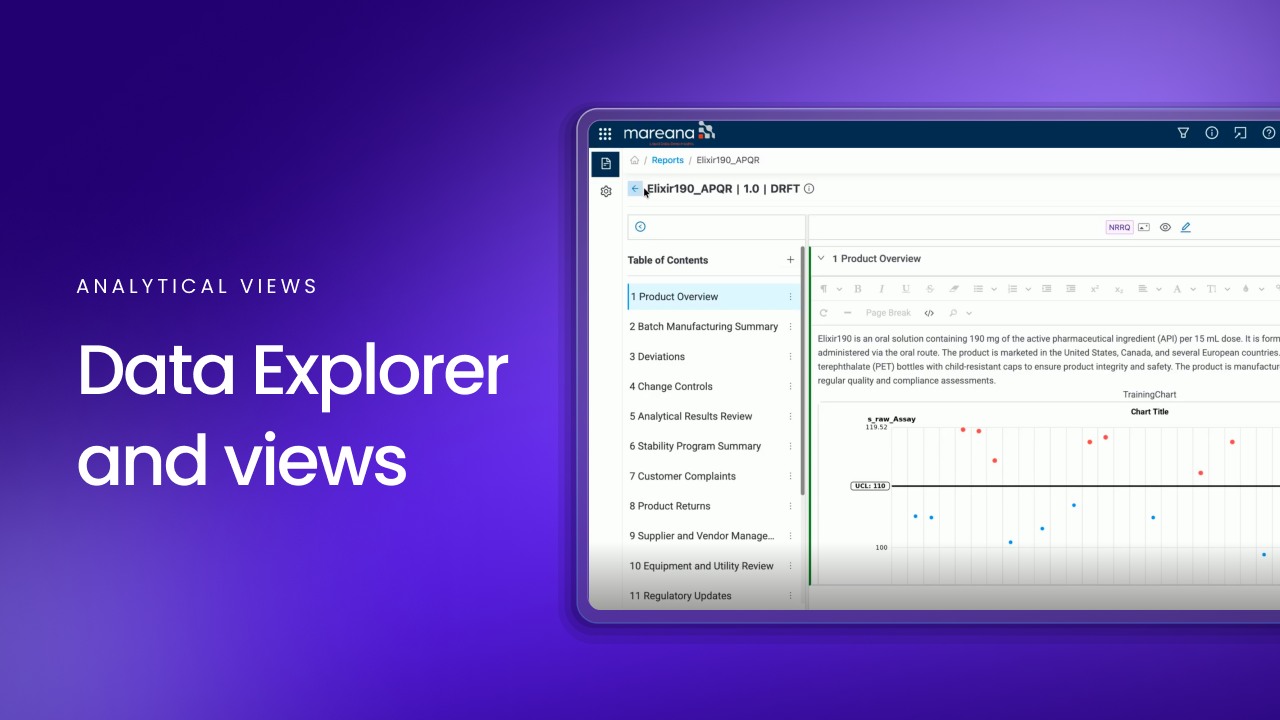
How to Create Reusable Analytical Views from Batch Data
This walkthrough demonstrates how to create reusable analytical views by combining data from paper batch records, manufacturing systems, and lab sources. It shows how to select approved data, create parameters, use AI to generate parameter scripts, and send them through workflow approval for use in charts and analytics.
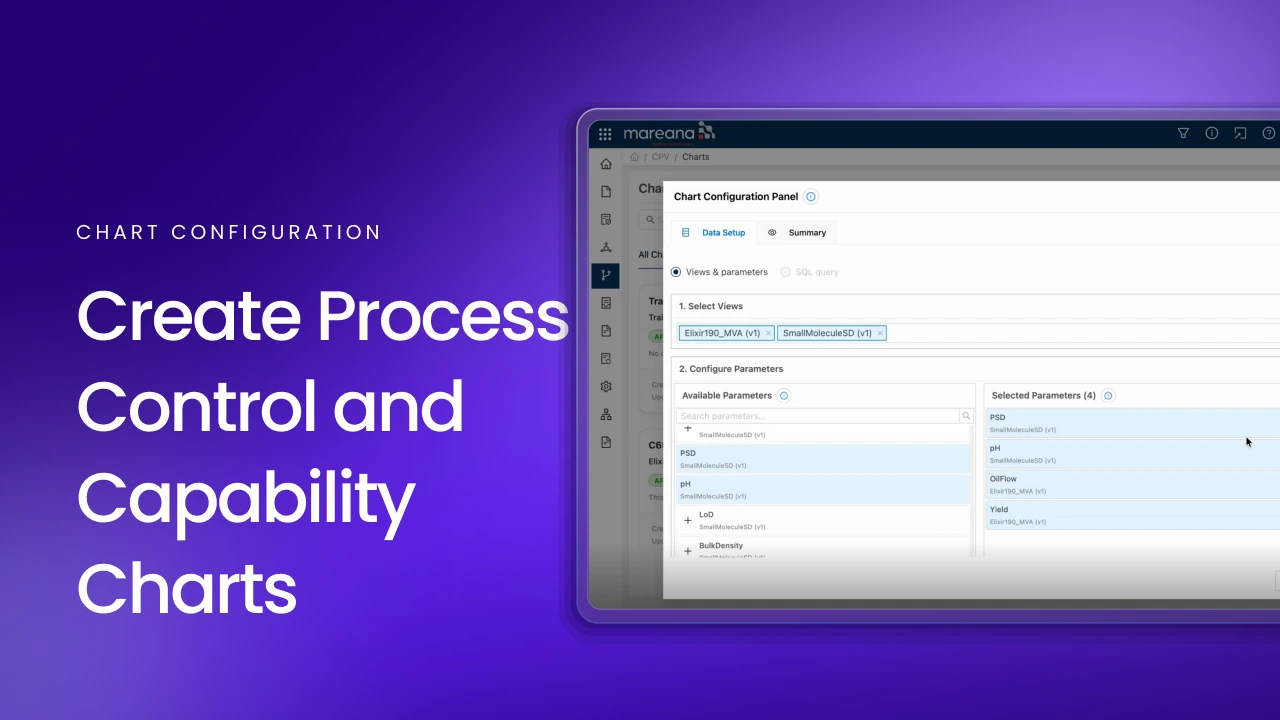
How to Create Process Control and Capability Charts
This video demonstrates how to create process control and process capability charts using data from previously configured analytical views. It shows how to apply statistical rules and specification limits, identify violations, generate an AI summary, and organize charts in a dashboard for ongoing analysis and reporting.
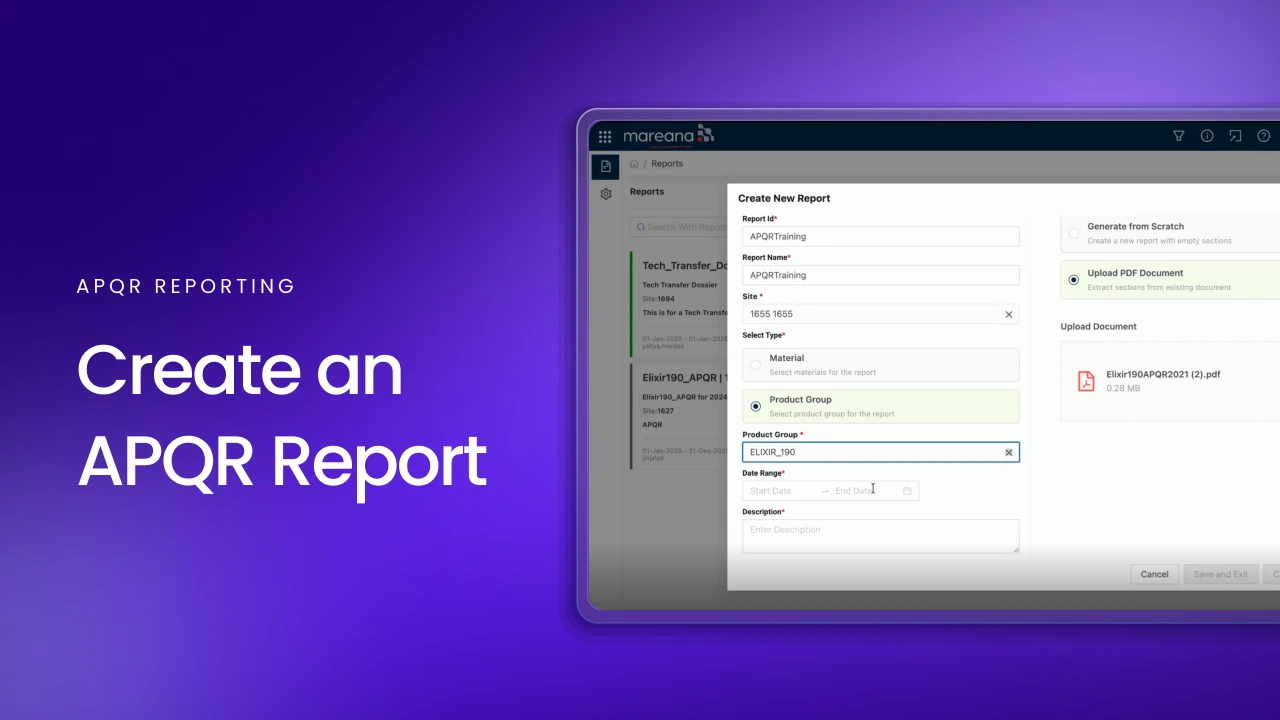
How to Create and Automate APQR Reports
This video demonstrates how to create a recurring APQR report using an existing report structure, validated charts, views, and connected manufacturing data. It shows how teams can pull information from multiple sources, update report content as new data becomes available, and maintain a consistent report layout.
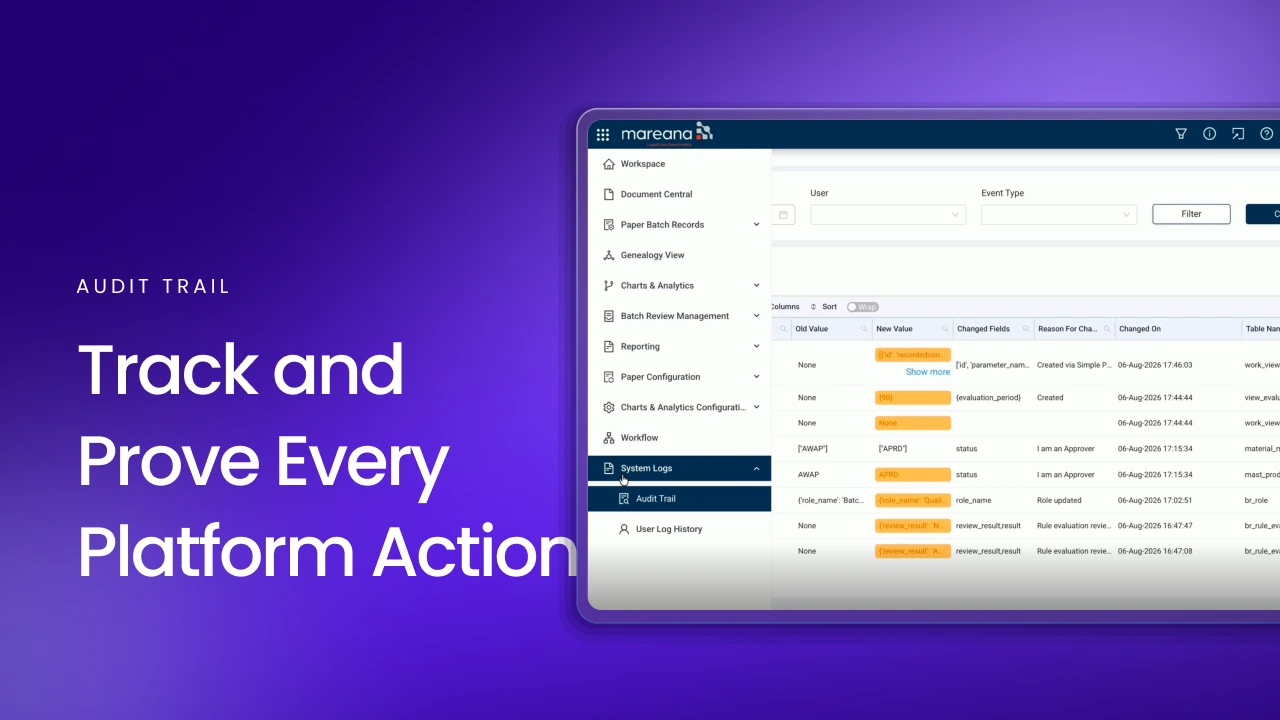
How to Track Audit Trails and User Activity in a Regulated Environment
This walkthrough demonstrates how the audit trail provides traceability and accountability across the platform. It shows how teams can track changes to reports, views, and other platform activities, filter events by user or event type, capture e-signed actions, and export audit trail information as an Excel file or PDF. The video also covers user log history, providing visibility into user sessions and activity.


Rather See It on Your Own Records?
A 45-minute working session on your data — one product, its messiest campaign, and a solutions engineer on the call.