

Full Transcript
Access the complete word-for-word transcript for easy reference and accessibility.

First, I’m going to go into is document central and click on upload. Now I’ll be able to come into our downloads and choose one of our badge records that a template has already been created for. From here we’re going to be able to do 3 different methods of classification. There’s auto classification in which we’re going to be using the information in the file to do the classification. File pattern classification in which we’re going to be using the file name in order to help us classify the document.
And then manual or if I can choose my batch CFO7788, my product, and my site. But I’m primarily interested in using this for auto classification. So we’re going to select our auto classification and it’s going to highlight what parameters still have to be filled in. So my file type and then I’ll put in my time zone. Now I’ll be able to upload my batch record. It looks like our data extraction was done correctly and now we can start working on our batch review next.
And now I’m going to take a look at all of the flags that we found automatically using our rules.
This is going to be a structured review by exception process. And without this step, a flag batch record just hits flag with no formal resolution.
So we’re going to be able to change things from failed to accepted or failed to not accepted in order to allow manufacturing to know what are the changes that I expect to see in version 2 of this document.
And the things that are going to help me out with this are going to be our batch review management, our role management, and our batch assignment.
Let’s start off with batch review, and then we’ll head into role assignment and batch assignment.
We’re going to have our products, batches and documents. And one batch can have multiple documents.
Imagine this as being your CoAs, your forms, so on and so forth. And they’re associated with your record.
And once I click into my document, I’m able to see all the rules that we set up previously in our batch record on the right.
And this record is going to show us how the extraction did as well as the status of everything inside the document.
What’s failing? What’s passing? What are the things that I need to be putting eyes on?
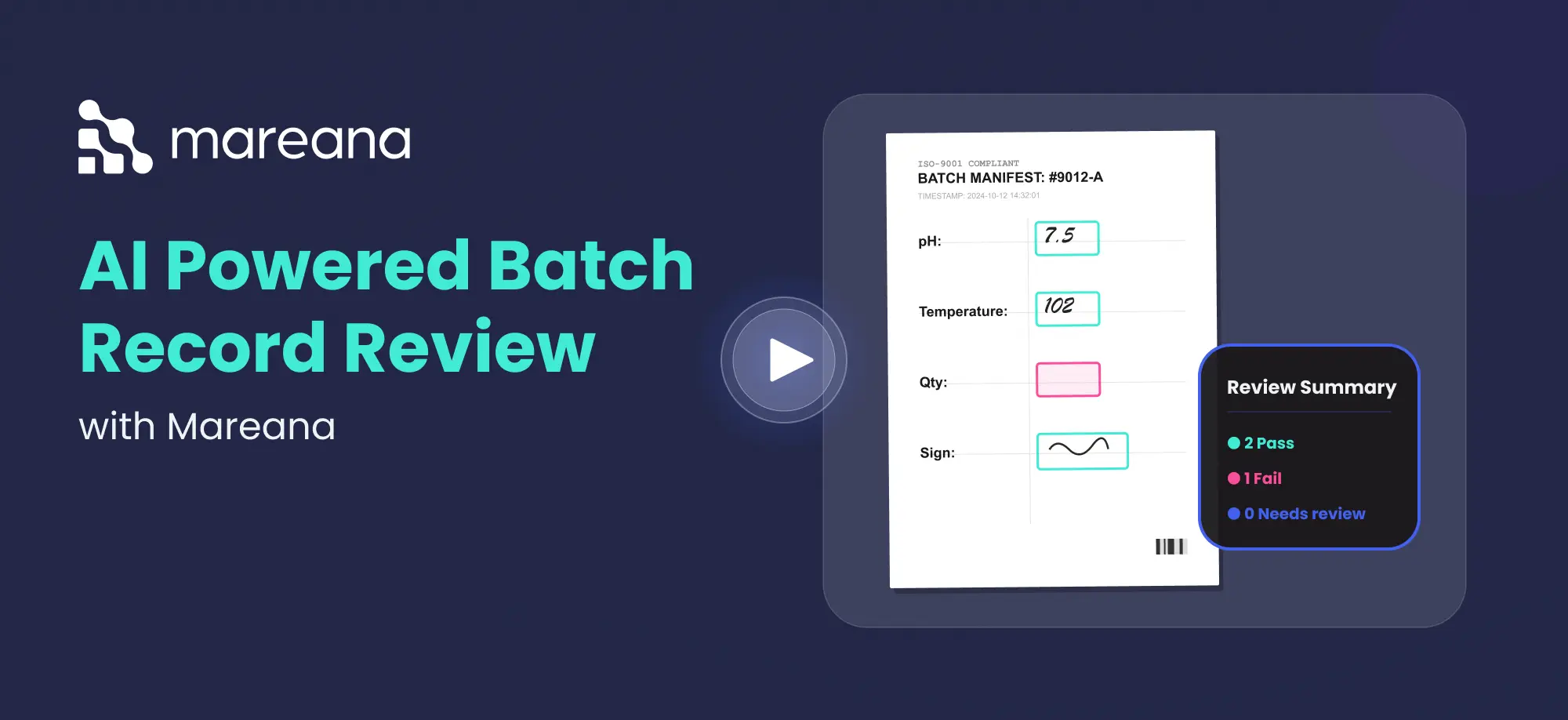
So I’m getting a review by exception on my paper records.So now for the actual review, I’d see my items that are pre flagged and I can select on any of them to see what are the rules that are failing.
My null check is passing because there’s information there, but my range check is failing and this was the OCR mistake that we found earlier.
It’s saying 703 and now we know that this is acceptable. So we can change this from our failed status to our accepted status, in order to change anything I can go into this drop down and change this to accepted OCR issue.
We use this information in order to better the system as well.
And it looks like we have one more failure here and this is going to be a true failure.
So we’re going to keep this as not accepted.
Someone forgot to put in the decimal and now the system is reading 72.
So now instead of digging through to figure out which one of these has a mistake associated with them, I’ve only needed to review the two and I’m able to save a great deal of my time during the batch review process.
Let’s change this into not accepted mist decimal and this information can be used in order to better support manufacturing.
Once I’m done with the review process, I can come in and check out my two types of reports, my deviation report and my summary report.
My summary report is going to capture all of the changes that happened as part of this document, and the deviation report is going to capture all of the errors that the system found.
So now we can scroll down and we can see our decision history. We can see that I’ve changed this from a failed status to an accepted status.
We can see that we are able to change this from our failed to not accepted. This gives me a great deal of granularity during the auto review process and I can always pull one of these up to show how we did our review and how we can pass all the scrutiny associated with an audit.
So now this batch has had a structured review process.
We’re able to find what was flagged, who reviewed it, what was approved and rejected, and we were able to dive in all the deviations that we found along the way and what needs to be fixed.
And from here, we’re going to go into role management and batch assignment.
Thank you for your time.
/ Any questions? We'd love to help
Frequently Asked Questions.
Mareana has helped numerous firms in the Pharmaceutical, Chemical, Medical Device, and Industrial Manufacturing industries.
Mareana provides AI for Batch Review in the form of AI Assisted batch Release to automatically extract, verify, and validate batch record data before Quality Assurance (QA) approval. It checks calculations, flags missing information, validates GMP-critical rules, and highlights deviations in real time.
AI Assisted batch review works by combining automated rule-based verification with manual quality oversight.
Here’s how the process typically works:
-
Upload the batch record
-
Apply metadata to trigger custom compliance rules
-
AI extracts and validates data automatically
-
System flags deviations (red) and verified passes (green)
-
QA manually reviews only flagged or non-AI items
-
Final approval is routed digitally
-
Data is stored in a complete batch genealogy
Mareana’s AI platform automate batch release process by eliminating repetitive manual verification steps and validating compliance before QA approval.
They automate:
-
Calculation checks
-
Data reconciliation
-
Metadata-based rule enforcement
-
Deviation detection
-
Supporting document validation
-
Digital sign-offs and routing
AI Assisted batch review helps improve batch release workflows by standardizing review criteria across all records.
It improves workflows by:
-
Associating metadata with custom compliance rules
-
Providing real-time red-flag alerts
-
Maintaining automated audit trails
-
Preserving manual approvals during re-processing
-
Streamlining operations-to-QA handoffs
AI Assisted batch release support multiple document formats, including:
-
PDF files
-
Weight slips
-
Images
-
Scanned batch records
-
Supporting compliance documents
Mareana’s AI powered platform strengthens GMP compliance by:
-
Enforcing predefined rule sets
-
Validating required signatures
-
Verifying calculations
-
Tracking deviations
-
Preserving audit trails
-
Maintaining digital genealogy records
Contact Us
Would you like to learn more about our pharmaceutical manufacturing solutions? Fill out the form below and one of our experts will reach out to you promptly.